M
Love Poems Technology AI-Technology

MacBook Air Glitching? Causes and Fixes
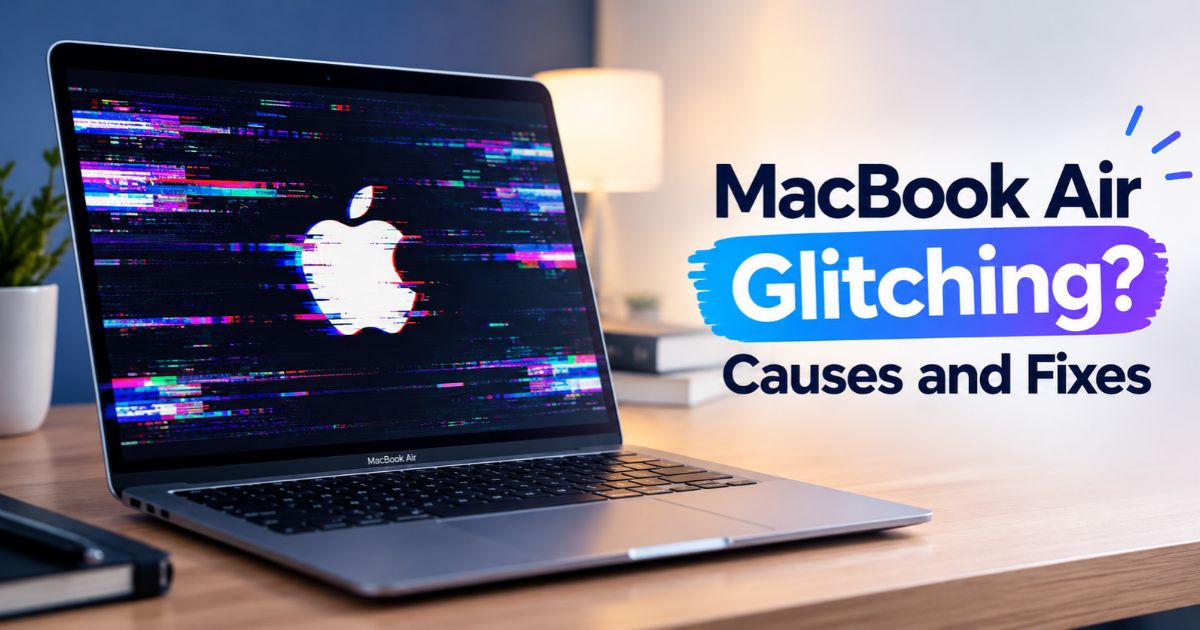
MacBook Air glitching with a distorted screen showing colorful digital lines, illustrating common causes and fixes.

Introduction MacBook Air glitching can appear in several ways, including screen flickering, colored lines, distorted images, frozen applications, slow performance, or unexpected restarts. The right fix depends on the symptom, because a display problem does not necessarily have the same cause as an application freeze or a startup failure. Start by saving your work, restarting … Read more

How to Clear RAM on Mac: Safe, Simple Fixes

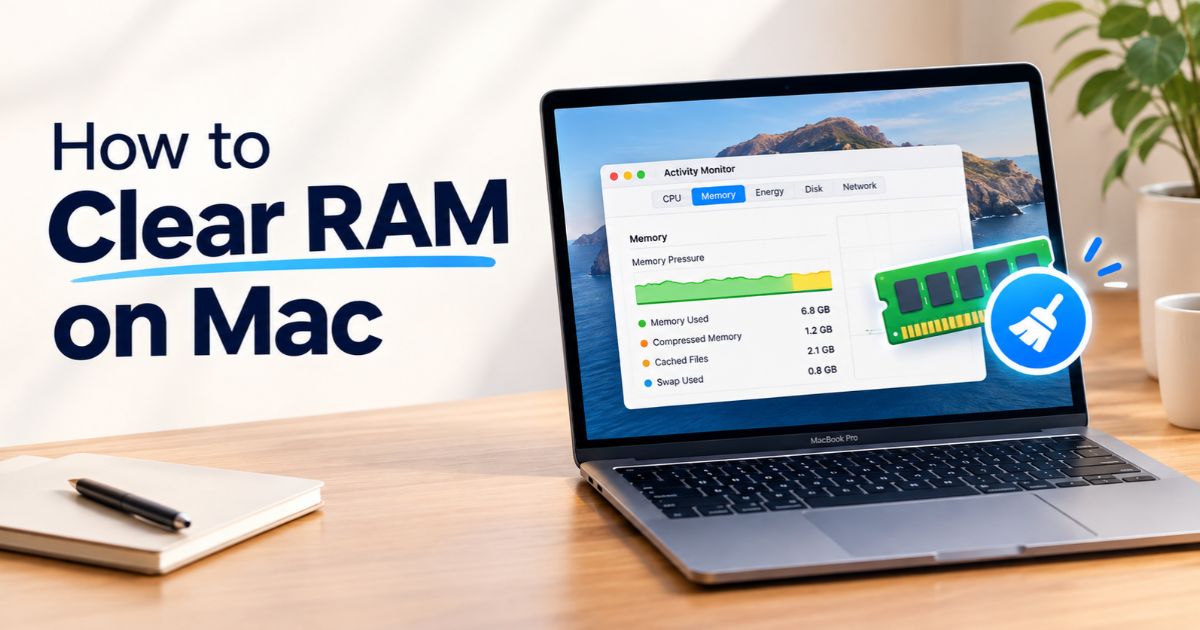
How to Clear RAM on Mac using Activity Monitor to check memory usage and improve Mac performance.

Introduction A Mac that feels slow, freezes while opening applications, or displays a memory warning may be struggling with its available RAM. Learning how to clear RAM on Mac can help you reduce unnecessary memory demand, but the first step is to check whether memory pressure is actually causing the problem. macOS automatically manages memory … Read more

How to Schedule Texts on iPhone: Easy Steps

How to Schedule Texts on iPhone – iMessage scheduled messaging feature on a smartphone.

Introduction You can schedule texts on iPhone with Send Later, a feature built into the Messages app. You write the message now, choose a date and time, and your iPhone delivers it for you. It is handy for birthday wishes, reminders, and messages you want someone to see at a sensible hour. There is one … Read more

Why Is There a Purple Light on My iPhone? Fixes

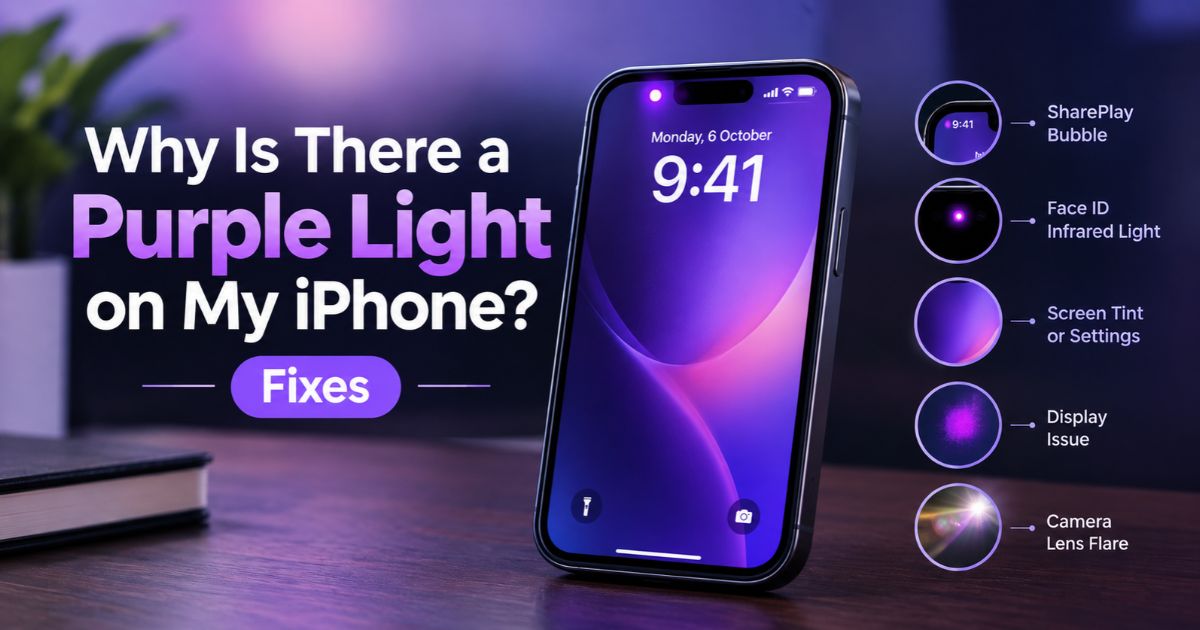
Why Is There a Purple Light on My iPhone? Causes and fixes displayed alongside an iPhone with a purple screen glow..

Introduction A purple light on my iPhone can mean several different things, depending on where you see it. A purple bubble behind the clock usually means SharePlay is active. A faint purple or pink glow near the front camera is often infrared light from Face ID that shows up on other cameras. A purple tint, … Read more

What Does 5G UC Mean? Speed, Coverage & More

What does 5G UC mean? Smartphone with magenta screen showing the 5G UC network icon.

Introduction What Does 5G UC Mean? 5G UC means 5G Ultra Capacity. It is the icon T-Mobile shows when your phone is in an area with its higher-capacity 5G network. T-Mobile says Ultra Capacity uses mid-band and/or millimeter-wave (mmWave) 5G, which can offer more capacity and faster speeds than its low-band Extended Range 5G. Seeing … Read more

Control Alt Delete Mac: The Right Shortcut

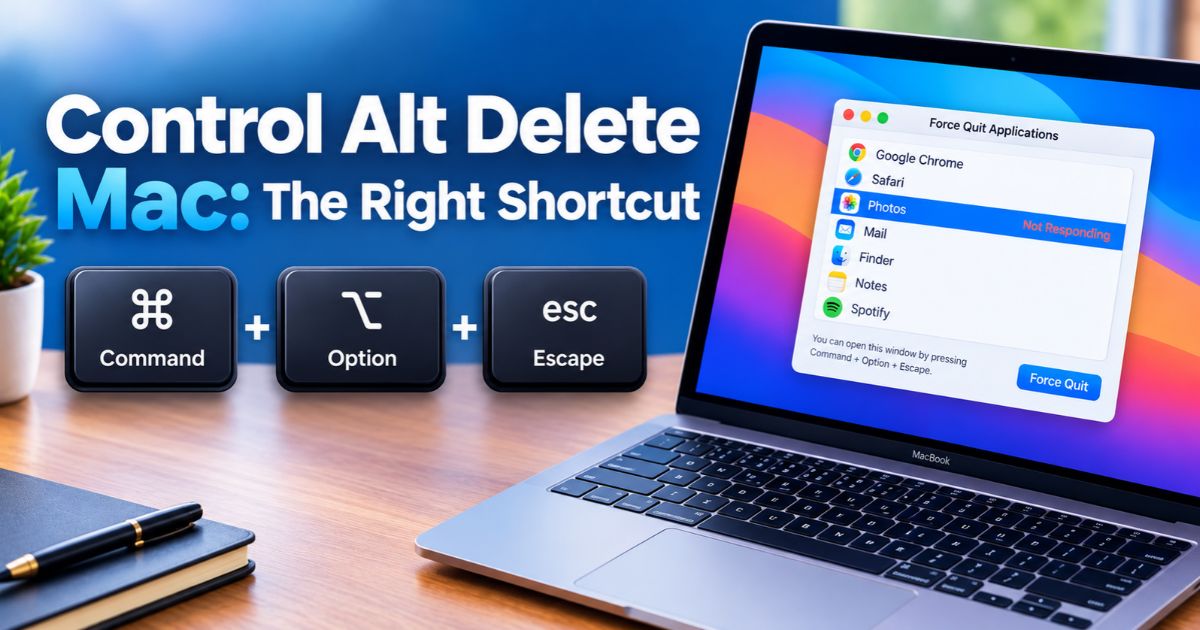
Control Alt Delete Mac shortcut showing Command + Option + Escape keys beside a MacBook with the Force Quit Applications window.

Introduction The Control Alt Delete Mac equivalent is Command + Option + Escape (⌘ + ⌥ + Esc). This keyboard shortcut opens the Force Quit Applications window, where you can close an app that has frozen or stopped responding. Unlike Windows, macOS does not use one shortcut to open a single screen for all system-management … Read more

MacBook Pro Faint Horizontal Lines: Causes & Fixes

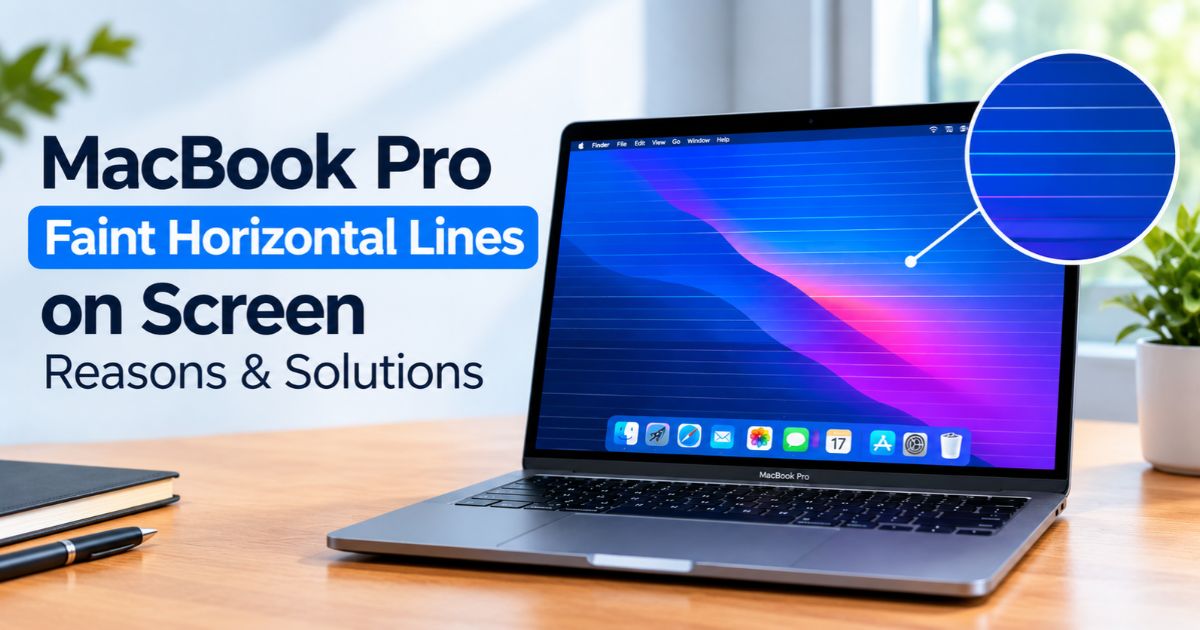
MacBook Pro faint horizontal lines on screen with zoomed-in detail.

Introduction If you notice MacBook Pro faint horizontal lines on your screen, the cause could be a software glitch, a display setting, or a hardware fault. The lines may look like thin gray streaks, colored bands, or flickering stripes, and they are often easiest to see on a white background. The look of the lines … Read more

MacBook Pro Backlit Keyboard: How to Turn It On

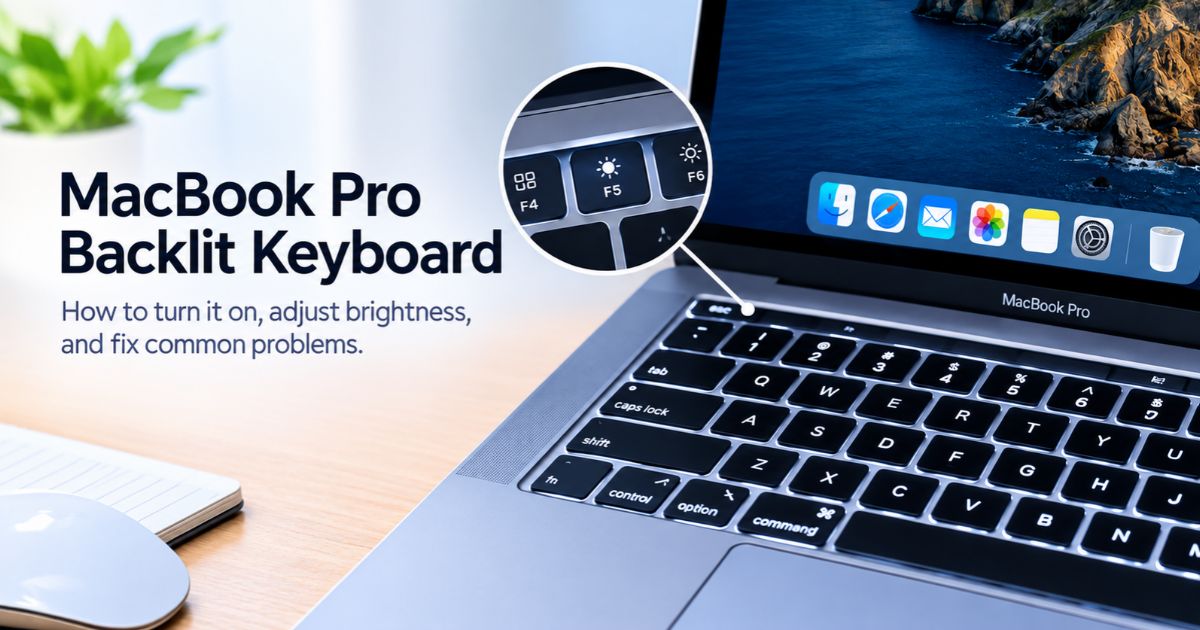
MacBook Pro backlit keyboard with F5 and F6 keys highlighted.

Introduction If your MacBook Pro backlit keyboard is not lighting up, you can usually turn it on from System Settings > Keyboard, from Control Center, or with the keyboard brightness keys if your model has them. If the light still stays off, an automatic lighting setting, the inactivity timer, or a hardware problem may be … Read more

How to Get More Storage on iPhone: 9 Easy Fixes

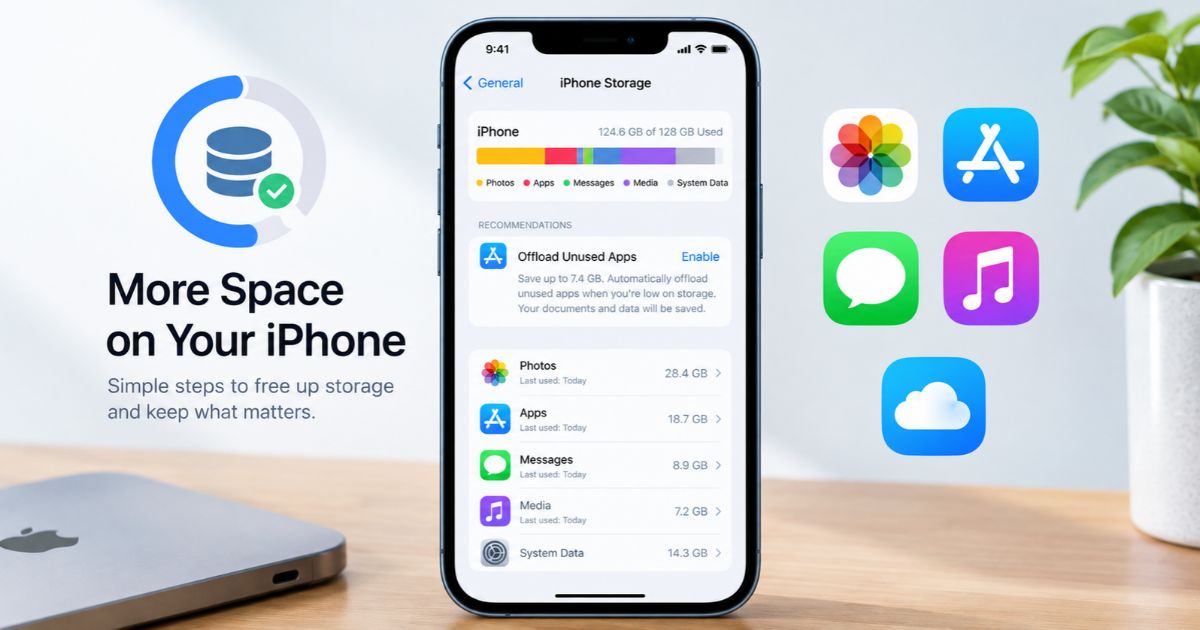
How to get more storage on iPhone by managing apps, photos, and files.

Introduction Wondering how to get more storage on iPhone when the “Storage Almost Full” warning keeps appearing? You can usually free up space by offloading unused apps, clearing out photos and videos, removing old downloads, and deleting large message attachments. The right fix depends on what is using the most room, so check your storage … Read more

How Do You View History on iPhone? Safari & More

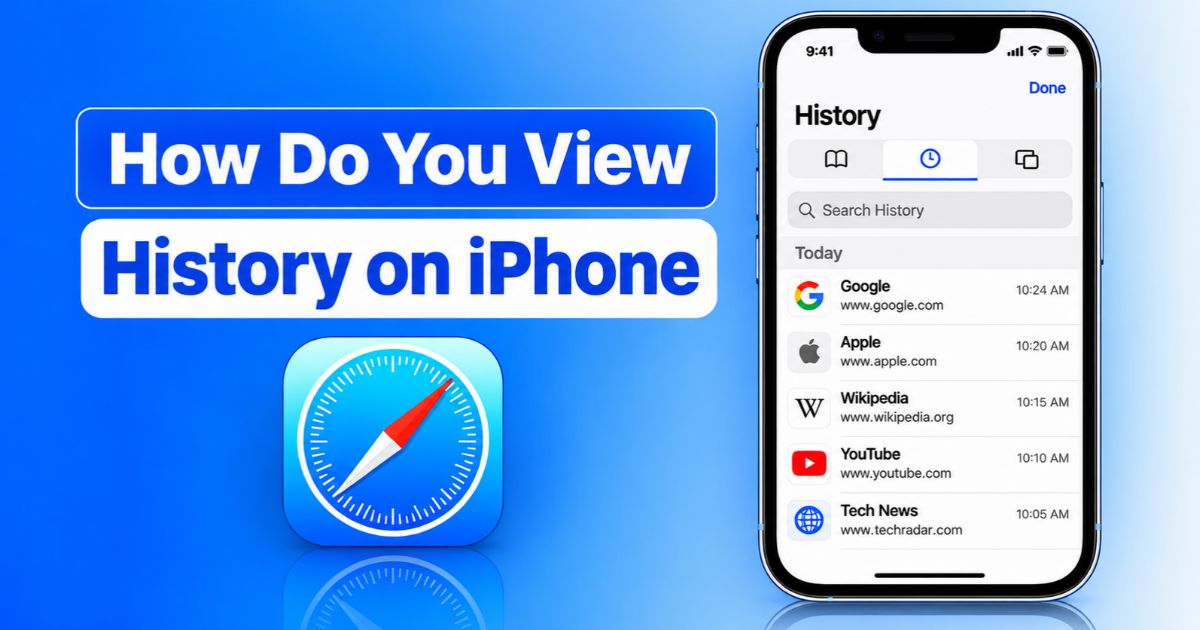
How do you view history on iPhone: Safari History screen with the clock tab selected and the Search History bar.

Introduction Steps written for the current iOS 26 interface. Button positions can shift slightly between iOS versions and Safari layouts. How do you view history on iPhone? The honest answer is that it depends on which history you mean: the websites you visited, the calls you made or missed, your app and screen activity, your … Read more