M
Love Poems Technology AI-Technology

MacBook Pro Faint Horizontal Lines: Causes & Fixes
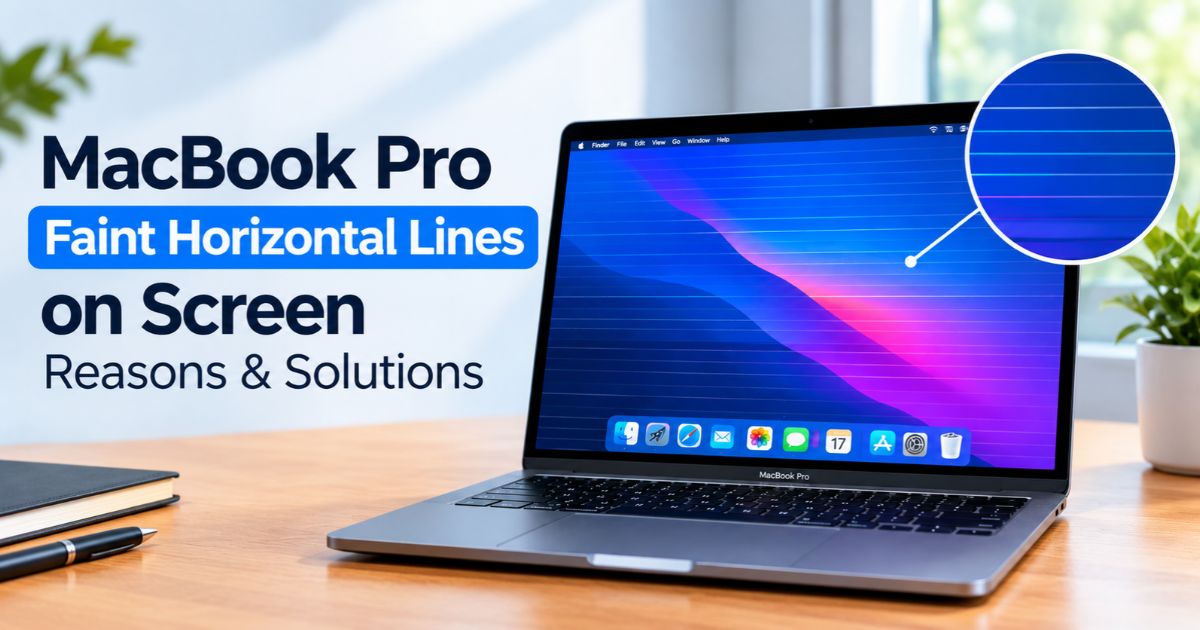
MacBook Pro faint horizontal lines on screen with zoomed-in detail.

Introduction If you notice MacBook Pro faint horizontal lines on your screen, the cause could be a software glitch, a display setting, or a hardware fault. The lines may look like thin gray streaks, colored bands, or flickering stripes, and they are often easiest to see on a white background. The look of the lines … Read more
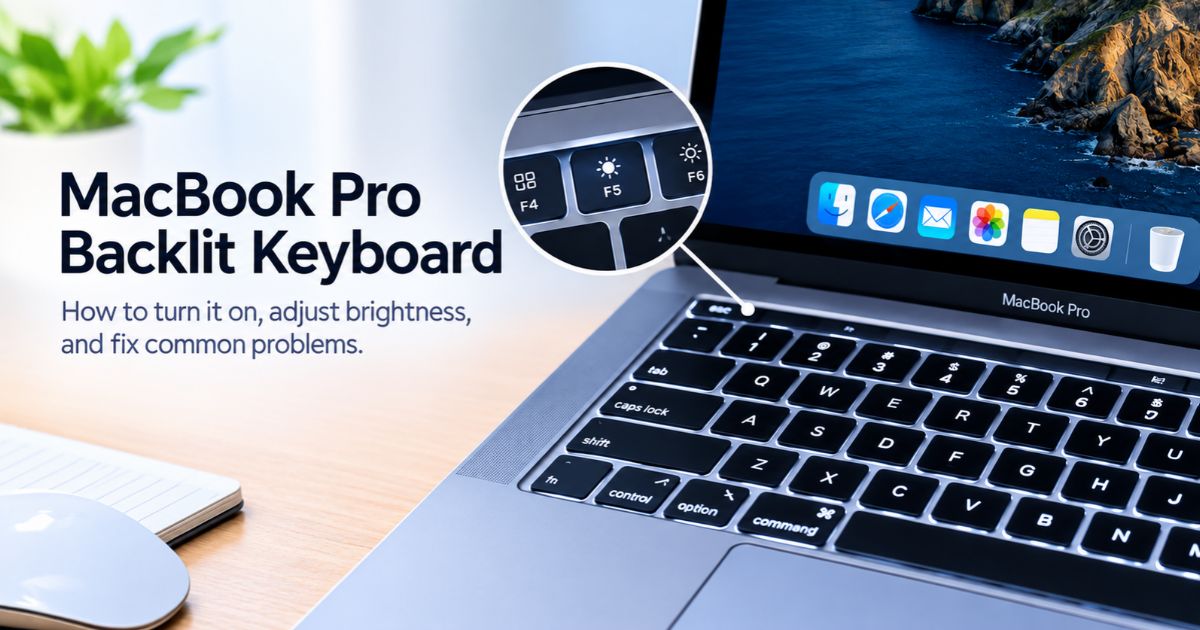
MacBook Pro Backlit Keyboard: How to Turn It On

MacBook Pro backlit keyboard with F5 and F6 keys highlighted.

Introduction If your MacBook Pro backlit keyboard is not lighting up, you can usually turn it on from System Settings > Keyboard, from Control Center, or with the keyboard brightness keys if your model has them. If the light still stays off, an automatic lighting setting, the inactivity timer, or a hardware problem may be … Read more

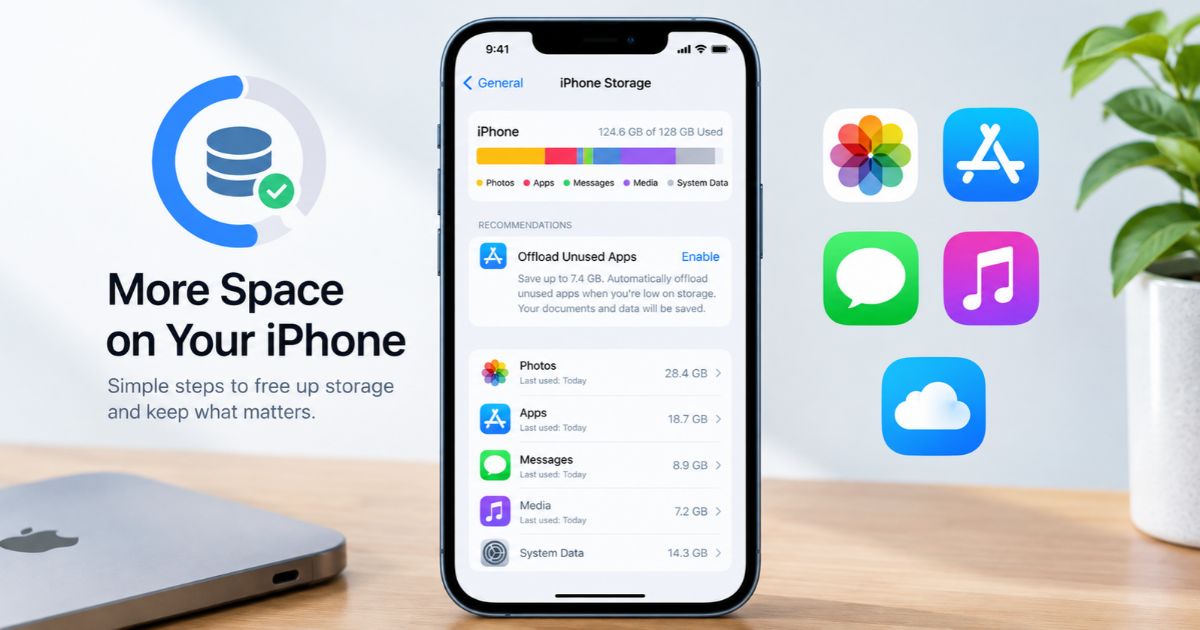
How to Get More Storage on iPhone: 9 Easy Fixes

How to get more storage on iPhone by managing apps, photos, and files.

Introduction Wondering how to get more storage on iPhone when the “Storage Almost Full” warning keeps appearing? You can usually free up space by offloading unused apps, clearing out photos and videos, removing old downloads, and deleting large message attachments. The right fix depends on what is using the most room, so check your storage … Read more

How Do You View History on iPhone? Safari & More

How do you view history on iPhone: Safari History screen with the clock tab selected and the Search History bar.

Introduction Steps written for the current iOS 26 interface. Button positions can shift slightly between iOS versions and Safari layouts. How do you view history on iPhone? The honest answer is that it depends on which history you mean: the websites you visited, the calls you made or missed, your app and screen activity, your … Read more

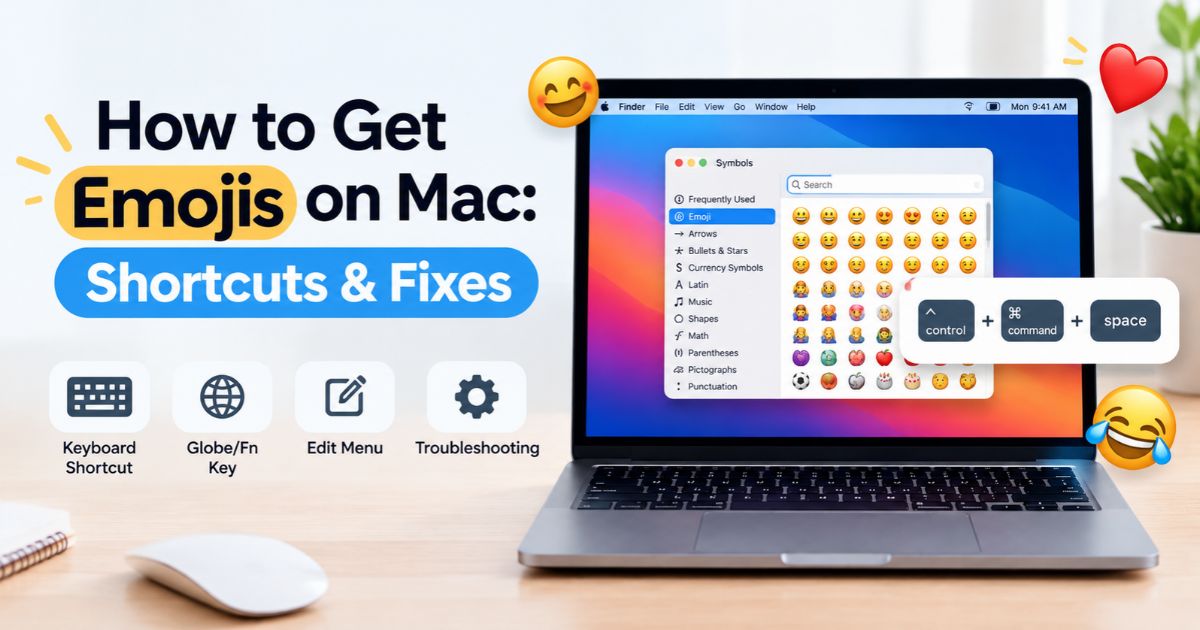
How to Get Emojis on Mac: Shortcuts & Fixes

How to Get Emojis on Mac using keyboard shortcuts and Character Viewer.

Introduction How To get emojis on Mac, press Control–Command–Space to open the emoji picker (called the Character Viewer), then search for or click the emoji you want. You can also choose Edit > Emoji & Symbols in most apps, or press Fn–E or Globe–E on supported keyboards. Your Mac already includes a full emoji keyboard, … Read more

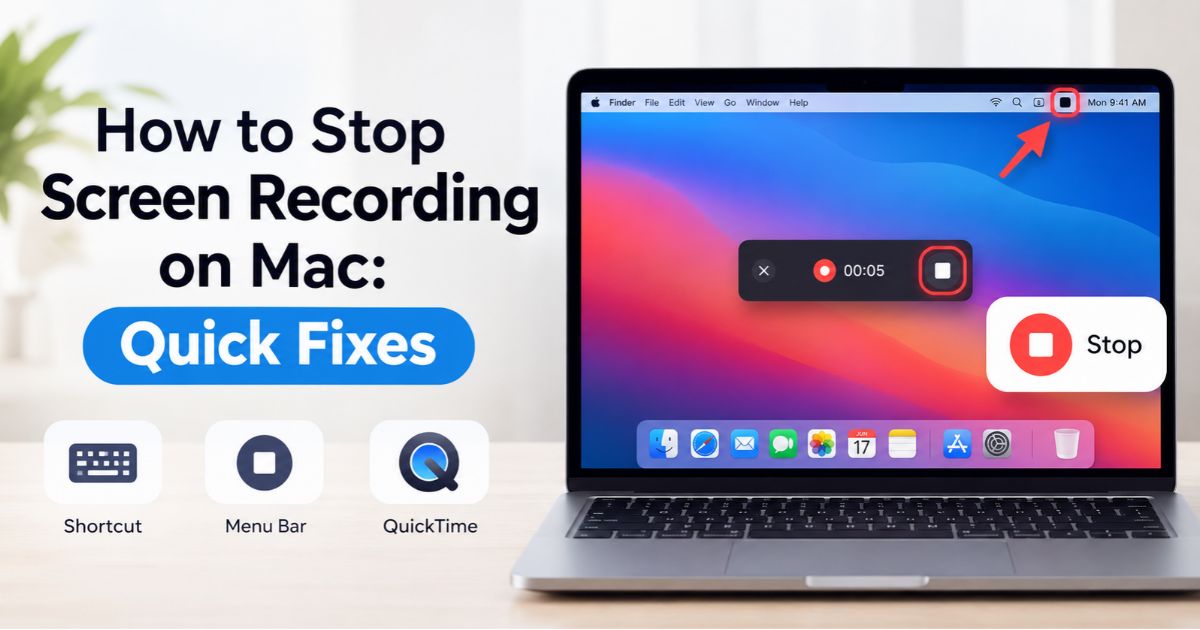
How to Stop Screen Recording on Mac: Quick Fixes

How to stop screen recording on Mac using the menu bar, keyboard shortcut, or QuickTime.

Introduction How to stop screen recording on Mac takes one click or one shortcut. Click the Stop button in the menu bar, or press Command–Control–Esc. Both work with Apple’s built-in tools, including the Screenshot toolbar (Shift–Command–5) and QuickTime Player on supported versions of macOS. If the recording won’t stop, the cause is usually simple. The … Read more

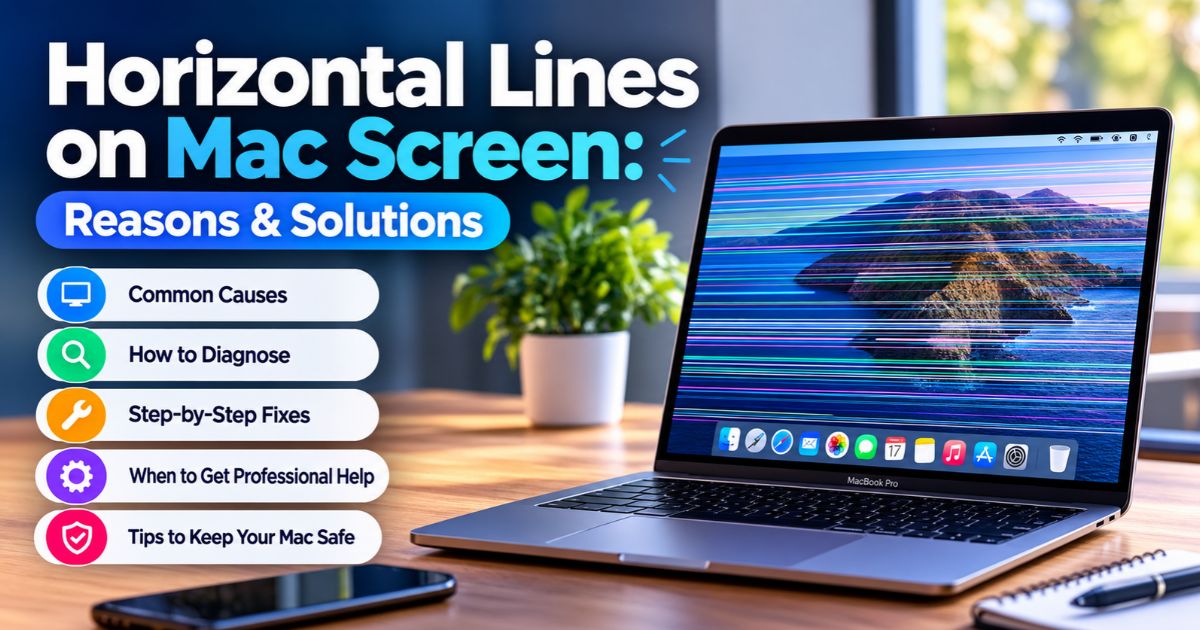
Horizontal Lines on Mac Screen: Reasons & Solutions

MacBook Pro screen showing horizontal lines on Mac screen display with causes and fixes guide.

Introduction Horizontal lines on Mac screen can look like thin stripes, flickering bands, or a patch of distorted color across the display. They can come from the display panel, an internal connection, a software or graphics glitch, physical damage, or a connected device. The first practical step is to restart your Mac and note when … Read more

Personal Workstation: Setup, Benefits & Essential Gear

Personal workstation setup with monitor, laptop, keyboard, mouse, headphones, and ergonomic chair on a desk.

Introduction A personal workstation is a computer setup built around the tasks you do every day. It combines hardware (computer, display, storage), software (operating system, security, apps), and connectivity (network, ports, backups). Some people search for it as a “personal station.” The right setup depends on your software, not on how powerful the parts look … Read more

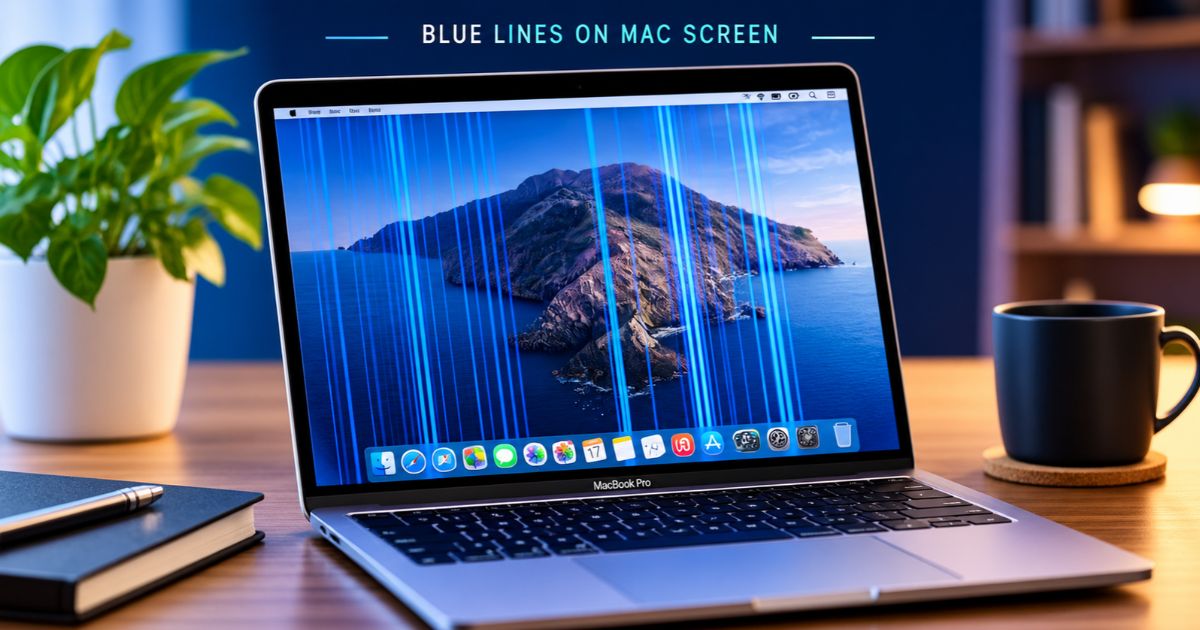
Blue Lines on Mac Screen: Reasons & Solutions

Blue lines on Mac screen: MacBook Pro display with vertical blue lines across the desktop.

Introduction Blue lines on Mac screen usually point to a problem with the display panel, the internal display connection, or the graphics output. Sometimes a software glitch is to blame. How the lines look and behave can help you narrow down the cause. Lines that vanish after a restart suggest a temporary glitch, while lines … Read more

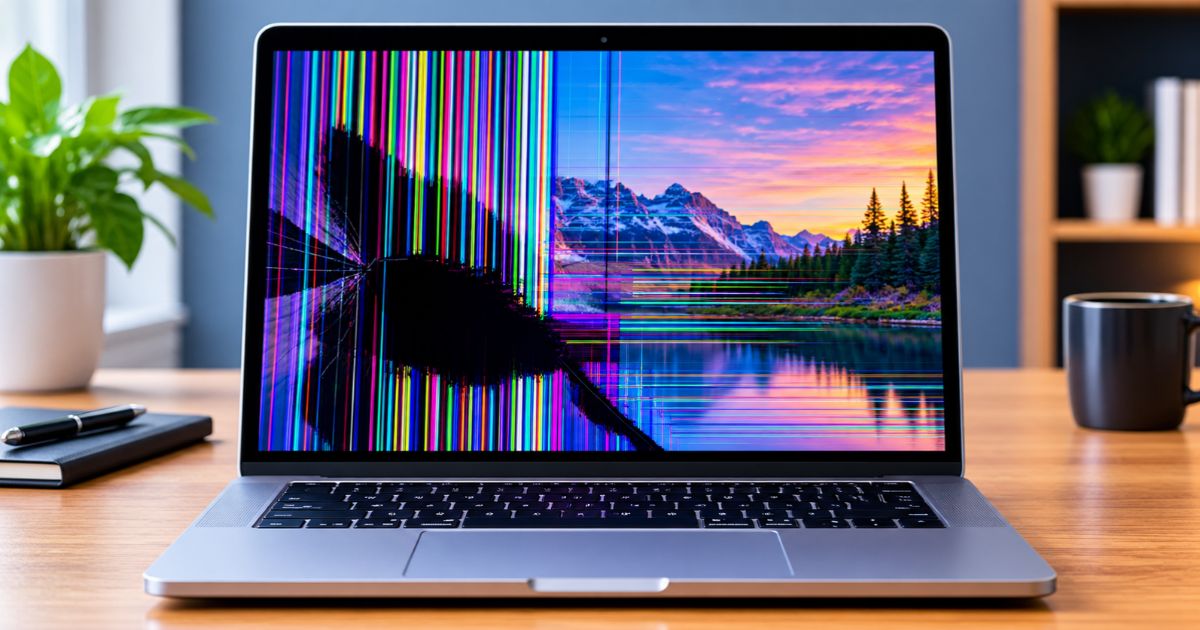
MacBook Screen Internally Cracked? Causes & Fixes

MacBook screen internally cracked with colored vertical lines and a black ink-like patch over a mountain landscape wallpaper.

Introduction A MacBook screen internally cracked can look perfectly fine on the outside. You might notice dark, ink-like patches, colored lines, or distorted sections of the display without remembering a drop or other obvious impact. These symptoms can indicate damage to the display panel, but they can also result from other hardware problems. If you … Read more