M
Love Poems Technology AI-Technology

How Do I Take a Screenshot on MacBook? Easy Guide
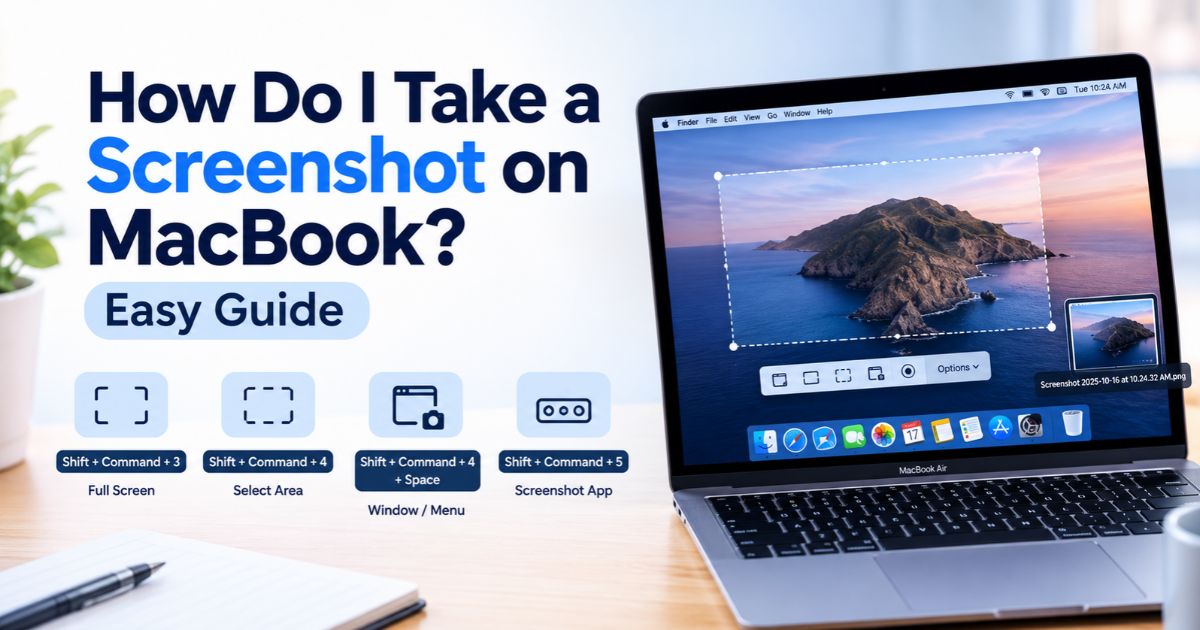
How do I take a screenshot on MacBook using keyboard shortcuts.

Introduction Knowing how do I take a screenshot on MacBook makes it easy to capture anything on your screen without installing extra software. macOS includes built-in screenshot shortcuts that work on both MacBook Air and MacBook Pro. Press Shift-Command-3 to capture the entire screen, Shift-Command-4 to select a specific area, or Shift-Command-5 to open the … Read more
Factory Reset iPhone Without Passcode: 3 Safe Methods

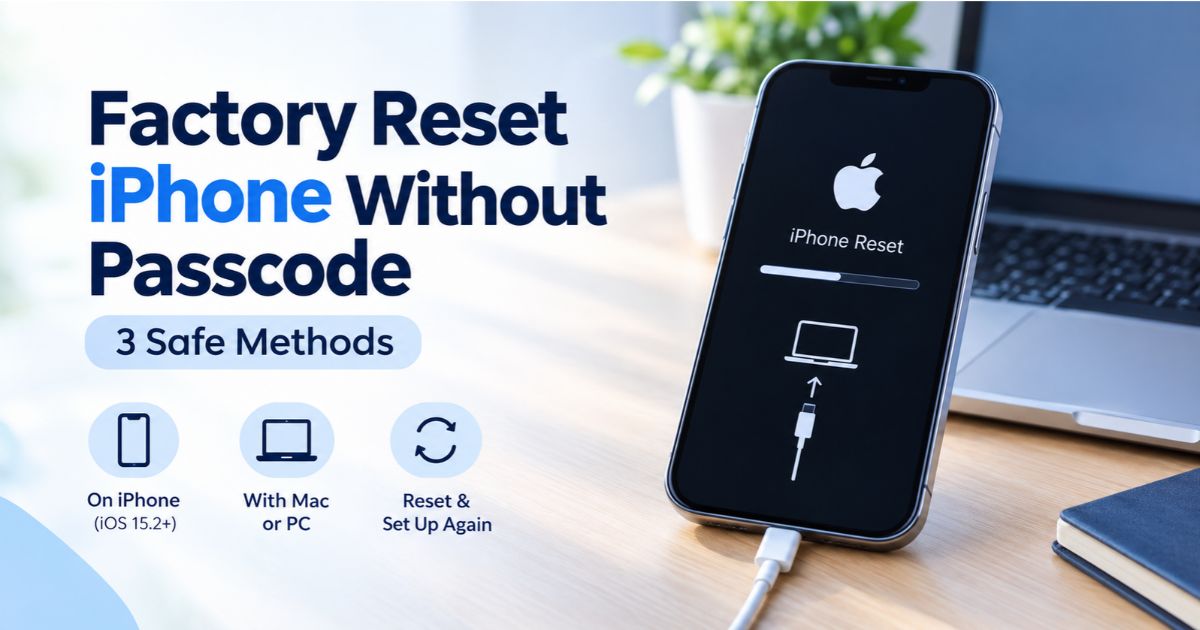
Factory reset iPhone without passcode: iPhone in recovery mode connected to a computer with a cable.

Introduction You can factory reset iPhone without passcode using Apple’s official recovery methods, even if you have forgotten your passcode or your device is locked. The method you should use depends on your iPhone model, iOS version, and whether you have access to another device or a computer. Once the reset is complete, you can … Read more

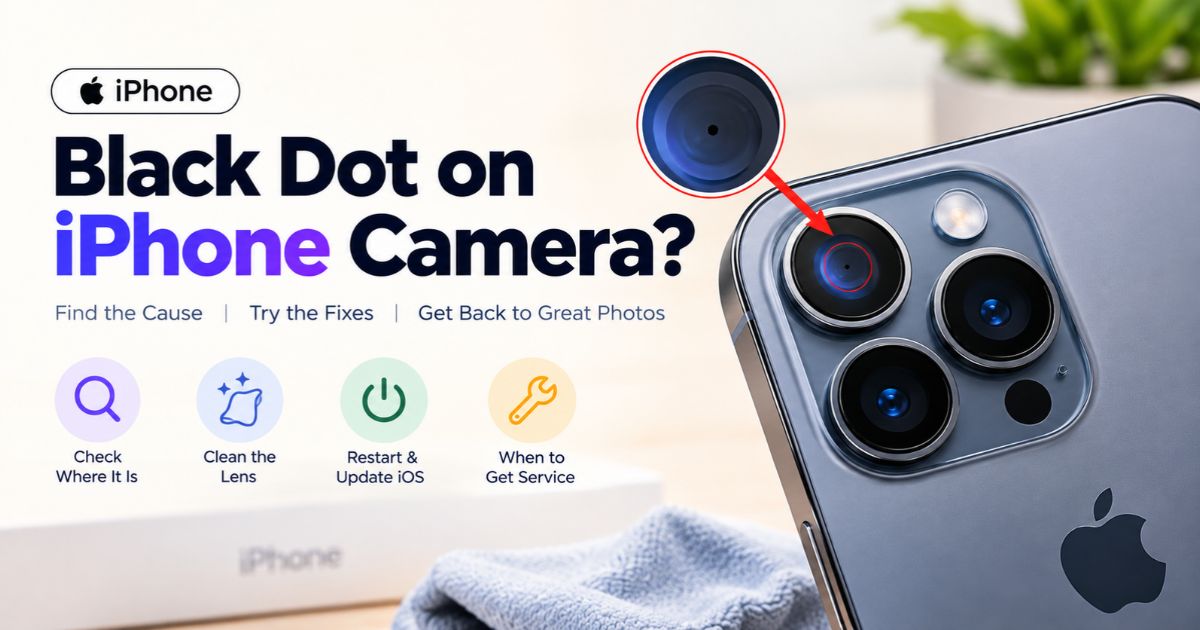
Black Dot on iPhone Camera: Causes and How to Fix It

Black dot on iPhone camera lens with troubleshooting tips to identify and fix the problem.

Introduction A black dot on iPhone camera can come from four different places that look alike: dirt or an accessory in front of the lens, something inside the camera, a problem with the display, or an app. The fastest way to find the cause is to work out where the dot actually appears: on the … Read more

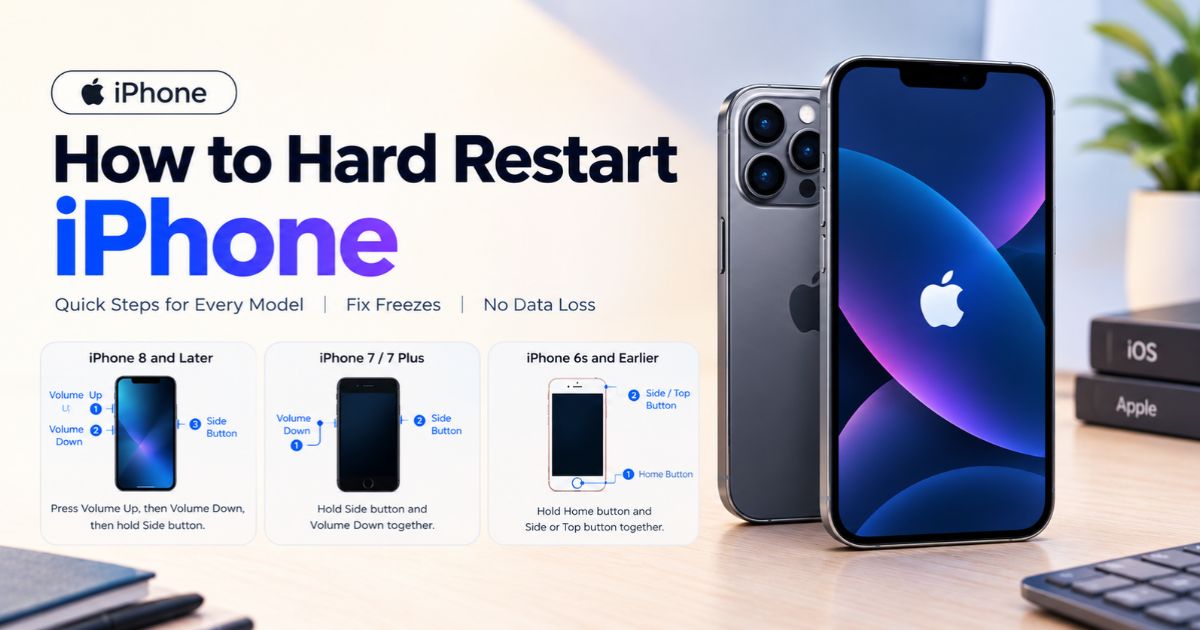
How to Hard Restart iPhone: Steps for Every Model

How to hard restart iPhone using the correct button combinations for different iPhone models

Introduction Knowing how to hard restart iPhone can help when your device freezes, the touchscreen stops responding, or your iPhone will not turn off normally. A hard restart, also called a force restart, forces your iPhone to reboot without deleting your photos, apps, messages, or other personal data. However, you may lose unsaved changes in … Read more

How to Connect PS5 Controller to iPhone (Easy Steps)

How to connect PS5 controller to iPhone: DualSense controller paired in iPhone Bluetooth settings.

Introduction Wondering how to connect PS5 controller to iPhone? It works, and it takes only a few taps. Apple lists the DualSense and DualSense Edge as supported PlayStation controllers, and you can pair them over Bluetooth or, in some cases, with a USB cable. DualSense support arrived in iOS 14.5, so any iPhone running that … Read more

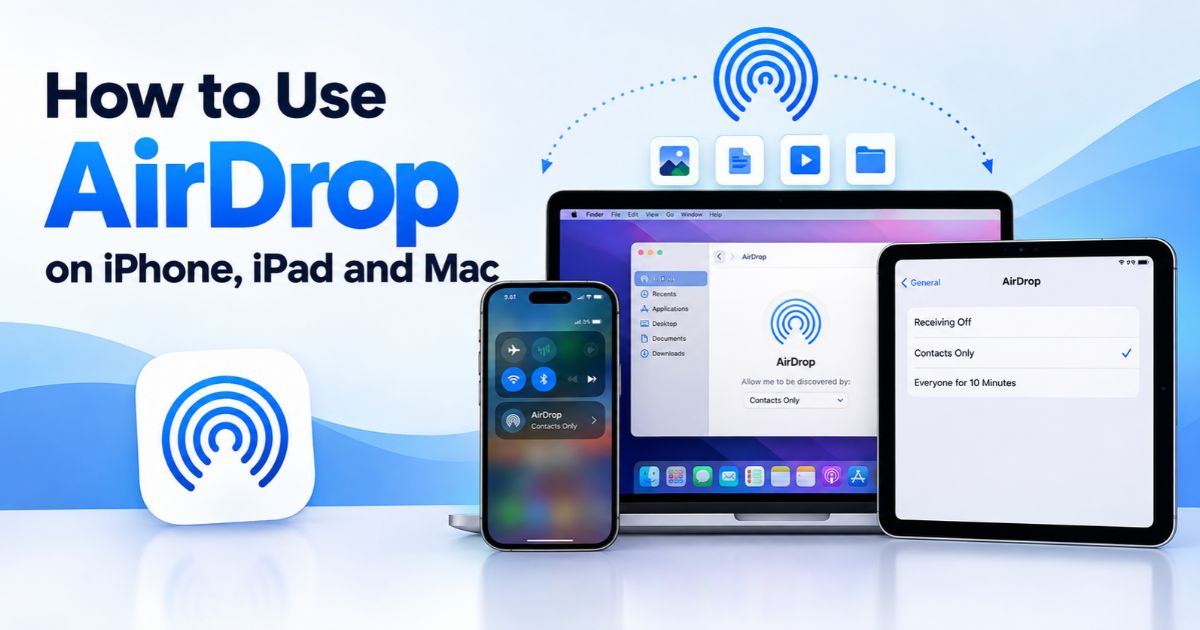
How to Turn On AirDrop on iPhone and Mac

Turn on AirDrop on iPhone, iPad, and Mac to share photos and files between Apple devices.

Introduction AirDrop is one of the fastest ways to move photos, documents, links and other items between nearby Apple devices, with no cables or email attachments needed. To turn on AirDrop, you enable Wi-Fi and Bluetooth and then choose who is allowed to find your device. The steps differ slightly between iPhone or iPad and … Read more

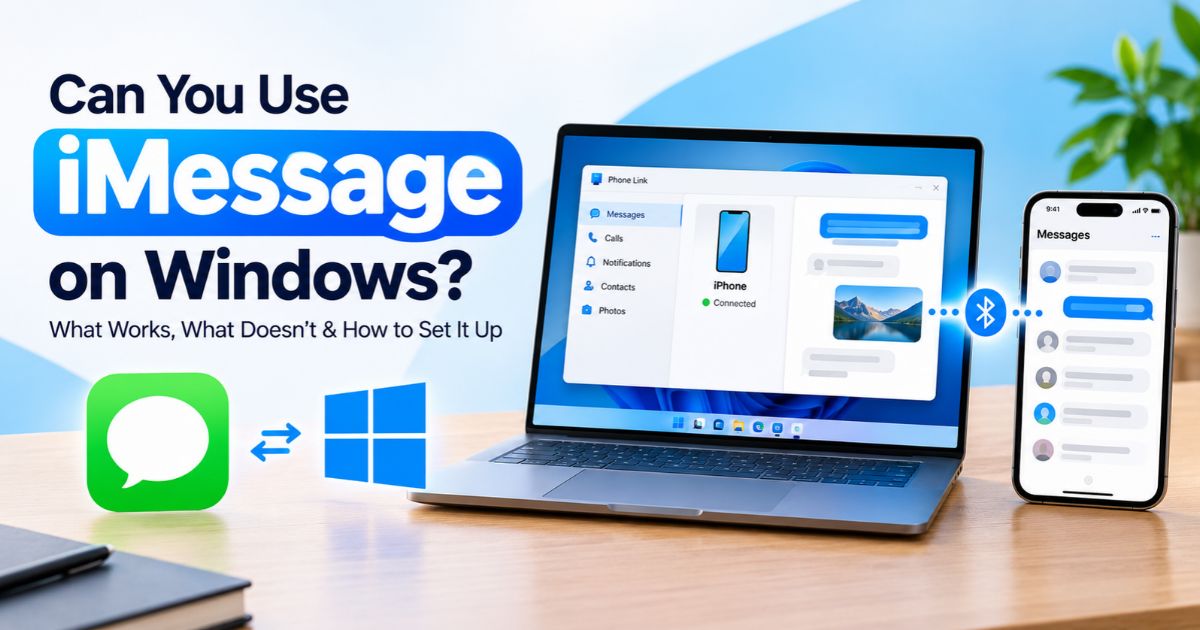
iMessage on Windows: What Works and How to Set It Up

Using iMessage on Windows with Microsoft Phone Link and an iPhone.

Introduction Many people who own an iPhone and a Windows PC wonder whether they can read and reply to texts on the bigger screen. Apple does not provide a full native Messages app for Windows, so using iMessage on Windows is not as simple as installing an app. However, Microsoft’s Phone Link can connect a … Read more

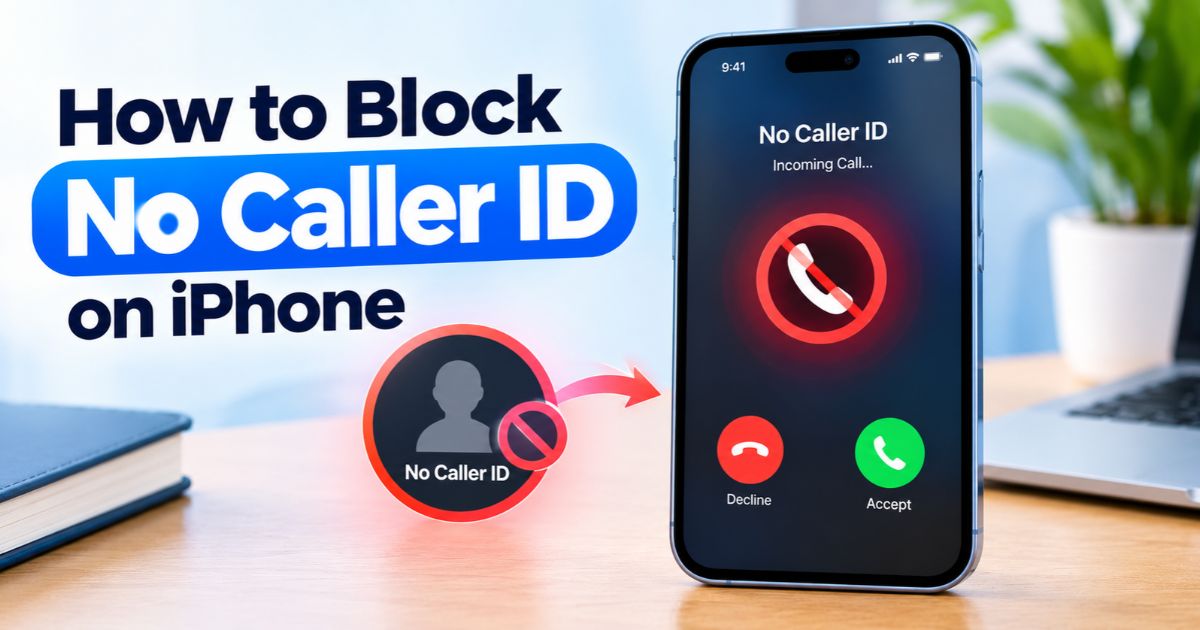
How to Block No Caller ID on iPhone

How to block No Caller ID on iPhone using unknown caller settings.

Introduction Calls marked No Caller ID or Private Number hide the caller’s number, which is exactly why they are so hard to stop one by one. If you want to block No Caller ID on iPhone, it helps to know that iPhone has no universal built-in switch that blocks only hidden-number calls while letting every … Read more

How to Change Wallpaper on Mac: Easy Steps

How to change wallpaper on Mac using a MacBook with a scenic desktop background.

Introduction Your desktop is the first thing you see every day, so it is worth making it feel like yours. It only takes a few clicks to change wallpaper on Mac, whether you want one of Apple’s built-in designs, a family photo or a rotating folder of favourites. The exact labels vary slightly between macOS … Read more

MacBook Won’t Turn On? 9 Fixes to Try

MacBook won't turn on troubleshooting guide showing a black-screen MacBook and charging cable.

Introduction A black screen and no sign of life are stressful, especially when you have work waiting. When your MacBook won’t turn on, the cause is often simpler than it looks: a drained battery, a weak charger, a stuck accessory, or a display that is working but showing nothing. This guide covers nine safe checks … Read more