M
Love Poems Technology AI-Technology

How to Get Emojis on Mac: Shortcuts & Fixes
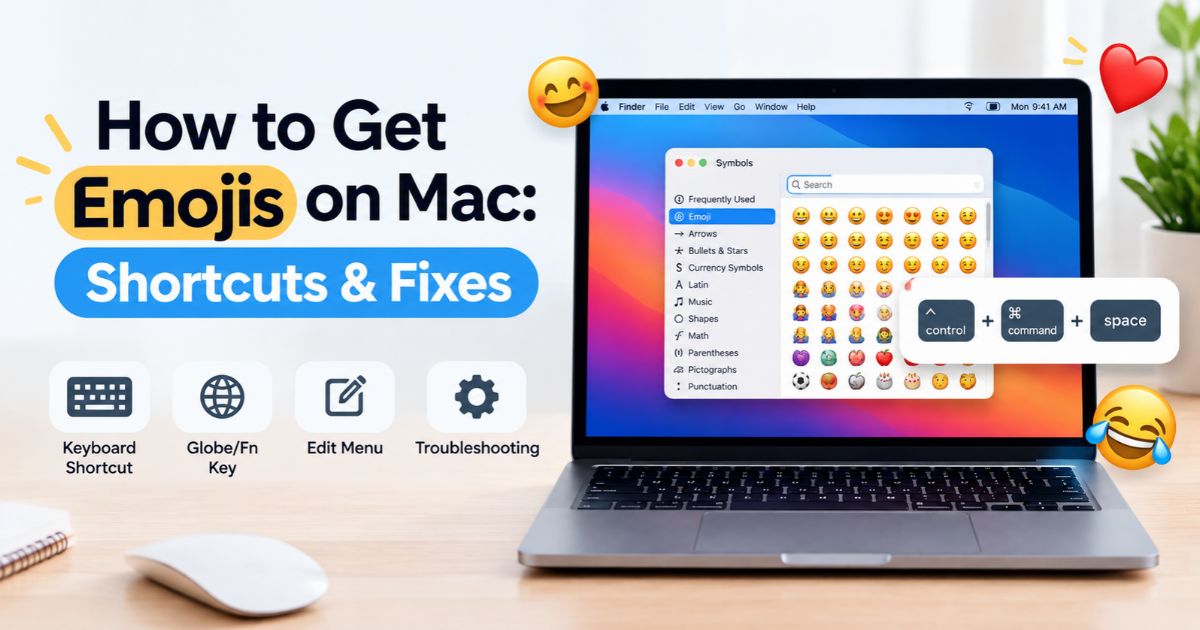
How to Get Emojis on Mac using keyboard shortcuts and Character Viewer.

Introduction How To get emojis on Mac, press Control–Command–Space to open the emoji picker (called the Character Viewer), then search for or click the emoji you want. You can also choose Edit > Emoji & Symbols in most apps, or press Fn–E or Globe–E on supported keyboards. Your Mac already includes a full emoji keyboard, … Read more
How to Stop Screen Recording on Mac: Quick Fixes

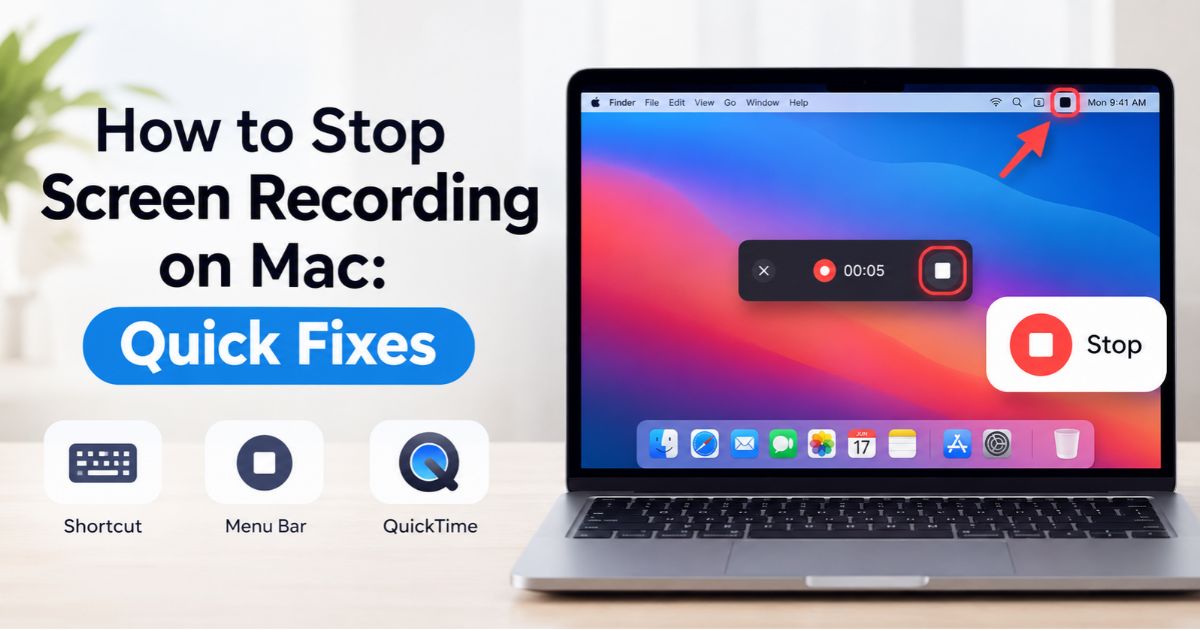
How to stop screen recording on Mac using the menu bar, keyboard shortcut, or QuickTime.

Introduction How to stop screen recording on Mac takes one click or one shortcut. Click the Stop button in the menu bar, or press Command–Control–Esc. Both work with Apple’s built-in tools, including the Screenshot toolbar (Shift–Command–5) and QuickTime Player on supported versions of macOS. If the recording won’t stop, the cause is usually simple. The … Read more

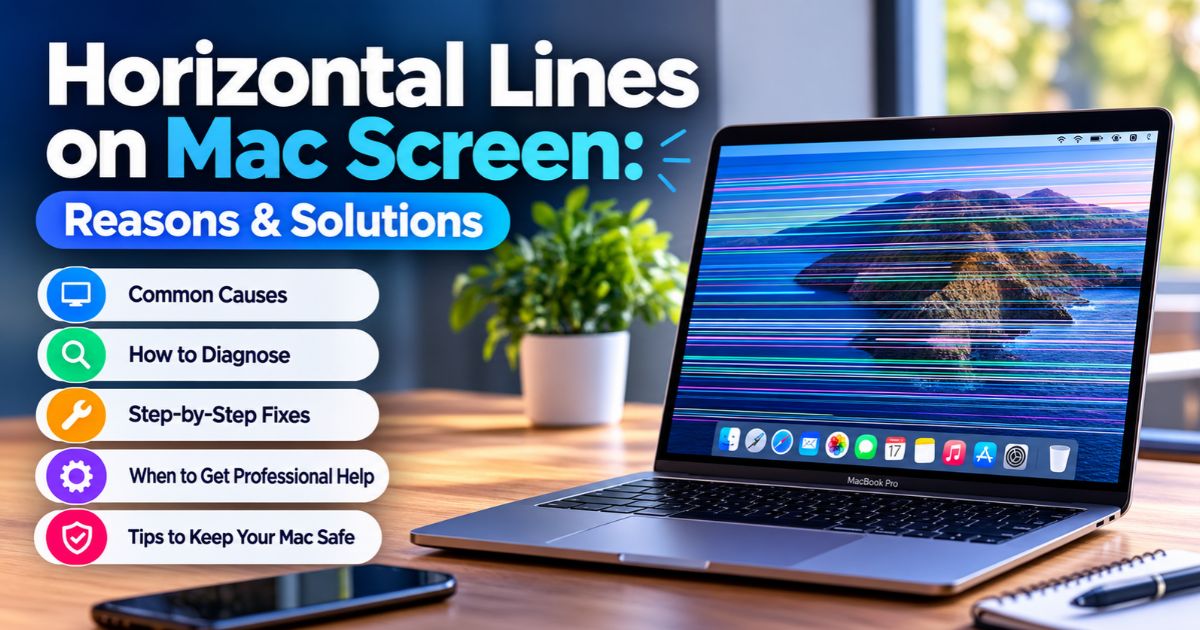
Horizontal Lines on Mac Screen: Reasons & Solutions

MacBook Pro screen showing horizontal lines on Mac screen display with causes and fixes guide.

Introduction Horizontal lines on Mac screen can look like thin stripes, flickering bands, or a patch of distorted color across the display. They can come from the display panel, an internal connection, a software or graphics glitch, physical damage, or a connected device. The first practical step is to restart your Mac and note when … Read more

Personal Workstation: Setup, Benefits & Essential Gear

Personal workstation setup with monitor, laptop, keyboard, mouse, headphones, and ergonomic chair on a desk.

Introduction A personal workstation is a computer setup built around the tasks you do every day. It combines hardware (computer, display, storage), software (operating system, security, apps), and connectivity (network, ports, backups). Some people search for it as a “personal station.” The right setup depends on your software, not on how powerful the parts look … Read more

Blue Lines on Mac Screen: Reasons & Solutions

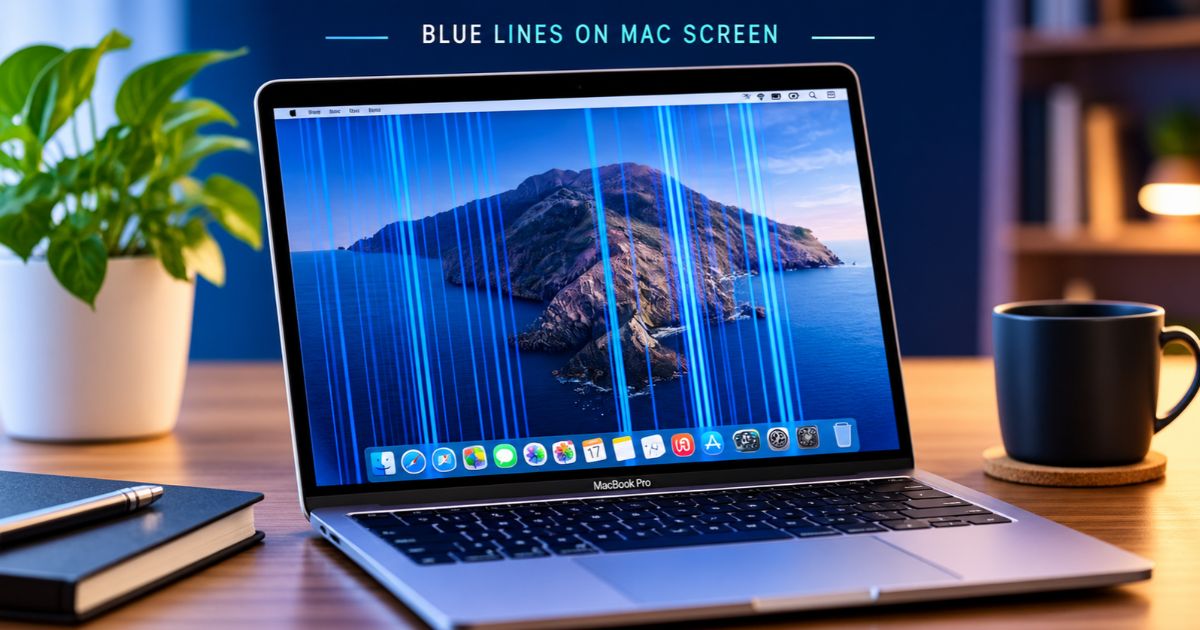
Blue lines on Mac screen: MacBook Pro display with vertical blue lines across the desktop.

Introduction Blue lines on Mac screen usually point to a problem with the display panel, the internal display connection, or the graphics output. Sometimes a software glitch is to blame. How the lines look and behave can help you narrow down the cause. Lines that vanish after a restart suggest a temporary glitch, while lines … Read more

MacBook Screen Internally Cracked? Causes & Fixes

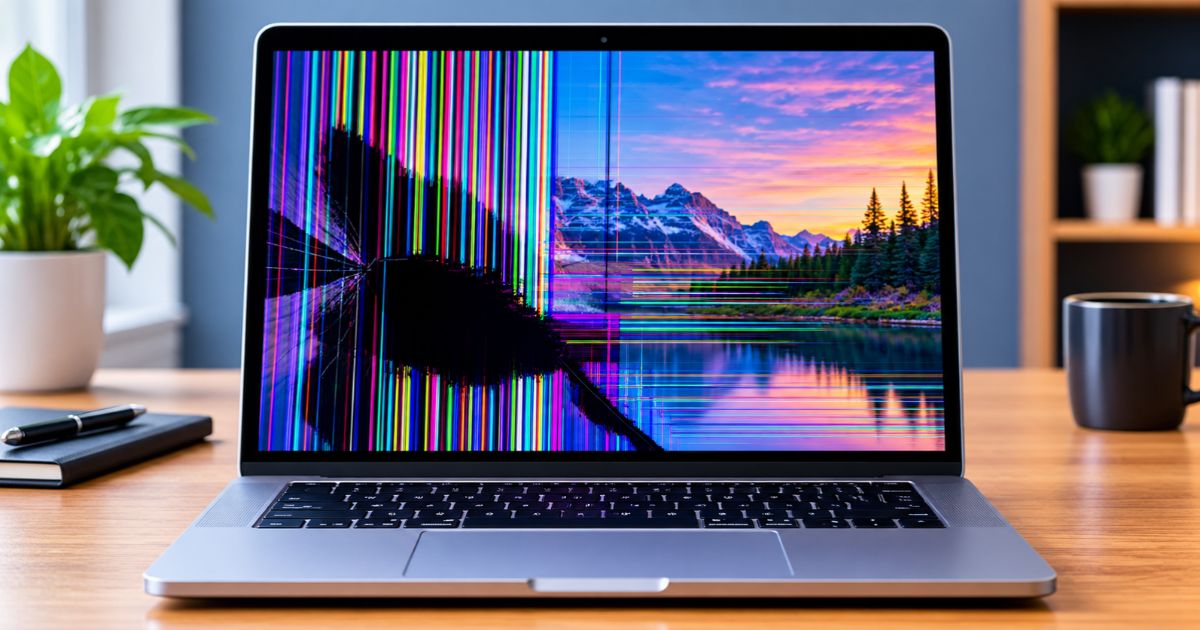
MacBook screen internally cracked with colored vertical lines and a black ink-like patch over a mountain landscape wallpaper.

Introduction A MacBook screen internally cracked can look perfectly fine on the outside. You might notice dark, ink-like patches, colored lines, or distorted sections of the display without remembering a drop or other obvious impact. These symptoms can indicate damage to the display panel, but they can also result from other hardware problems. If you … Read more

Apple Watch Not Charging: 9 Proven Fixes

Apple Watch showing a red lightning bolt and charging cable icon, illustrating an Apple Watch not charging problem.

Apple Watch not charging can mean a loose connection, a misaligned charger, a deeply drained battery, a deliberate 80% pause, or occasionally a hardware fault. The cause is often simple, but guessing wastes time. This guide helps you match what you see on screen to the right test, change one component at a time, and … Read more