
How to Stop Screen Recording on Mac: Quick Fixes
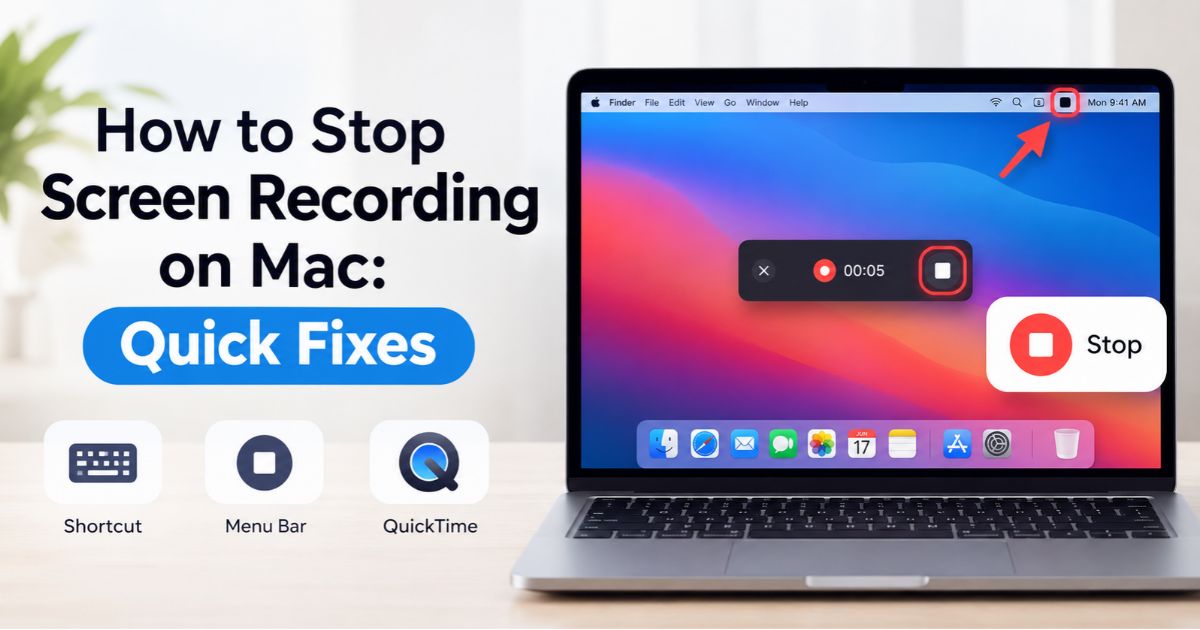
Introduction How to stop screen recording on Mac takes one click or one shortcut. Click the Stop button in the menu bar, or press Command–Control–Esc. Both work with Apple’s built-in tools, including the Screenshot toolbar (Shift–Command–5) and QuickTime Player on supported versions of macOS. If the recording won’t stop, the cause is usually simple. The … Read more